 Open incognito tab
Open this tab in incognito
Move the page you are on to a private window in one click. Optionally close the original tab and remove the site from your history.
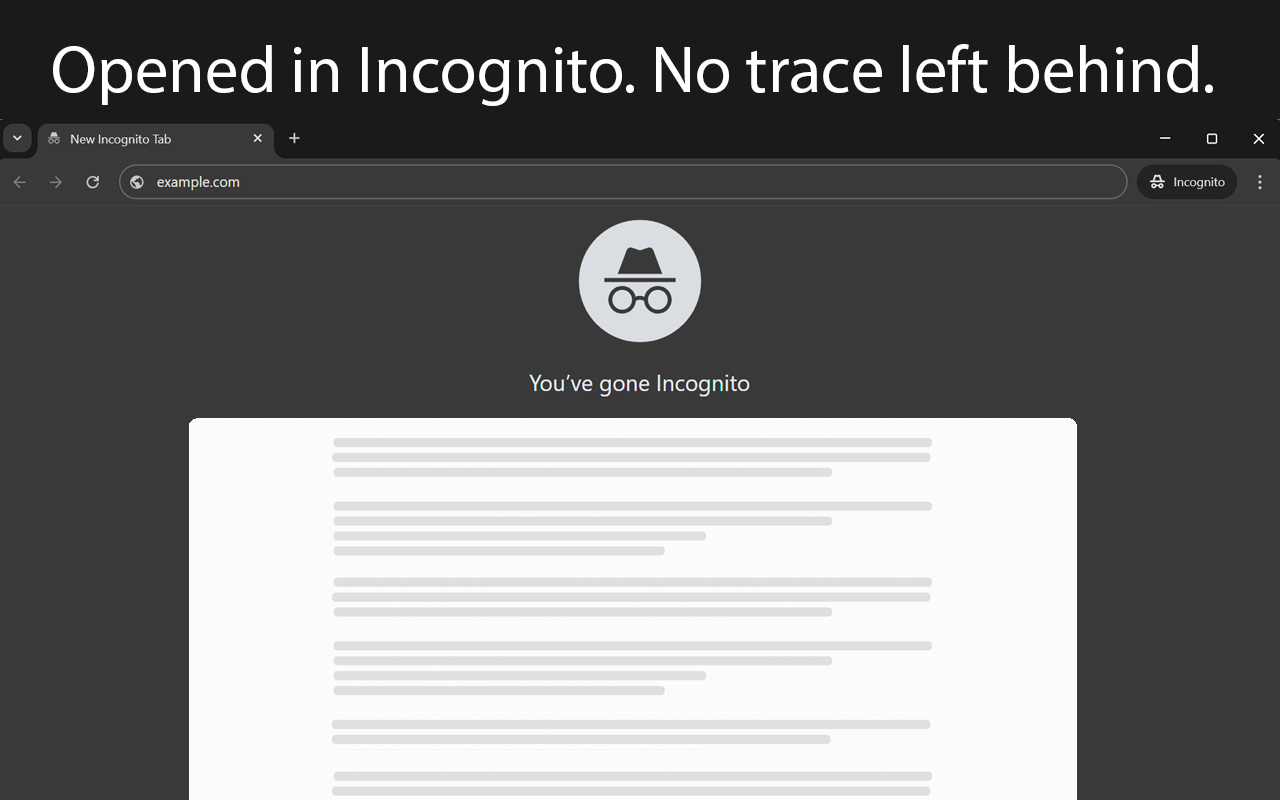
Three ways to go incognito
Pick whichever is fastest for you.
Toolbar icon
Click the extension icon and the current tab opens in an incognito window.
Context menu
Right-click the page and choose Open this tab in incognito.
Keyboard shortcut
Press Alt+I (Option+I on macOS) with the tab active.
Settings
Close the original tab
Decide whether the regular tab stays open after the switch.
Clean history
Remove the site from your browsing history automatically.
Floating button
An optional button on pages opens them in incognito in one click.
FAQ
Does incognito hide my IP address?
No. Incognito mode does not save history, cookies or site data after you close the window, but websites and your network can still see your IP address.
Nothing happens when I click the icon.
Incognito mode may be disabled on your device by an administrator policy. The extension shows a "!" badge and explains this in its window.
Is it free?
Yes, the extension is free.
Questions?
Write to support@microext.com. We usually reply within 24 hours.